
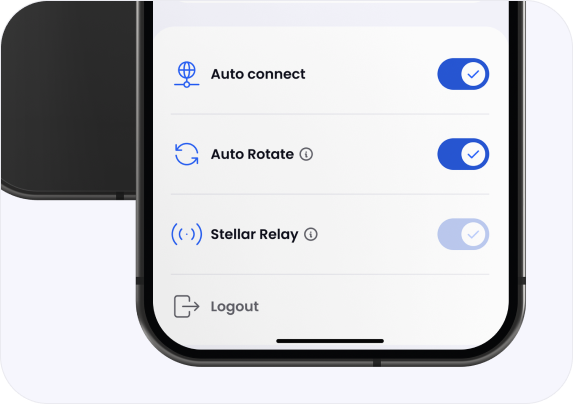
Rotates automatically
Your connection can move to a new verified server without you having to do anything manually.
Stellar Rotate automatically changes your VPN endpoint while you stay connected. That makes long-term tracking significantly harder without forcing you to reconnect manually.
Get Stellar VPNYour connection can move to a new verified server without you having to do anything manually.
Your IP and endpoint do not stay fixed for the full session, which reduces long-term exposure.
Rotation never bypasses security. Every server still has to pass the same signed trust chain.
Stellar Rotate keeps moving your connection, but only across servers that have already been verified by the app.
Rotation starts from the same signed server data used everywhere else in Stellar VPN.
If the signature is invalid, the list is rejected and Stellar Rotate has nothing trusted to use.
Rotation only chooses servers from the verified list, including the approved hostname, config URL, and hash.
The downloaded configuration is checked against the trusted SHA-256 value before the app uses it.
Rotation starts from the same signed server data used everywhere else in Stellar VPN.
If the signature is invalid, the list is rejected and Stellar Rotate has nothing trusted to use.
Rotation only chooses servers from the verified list, including the approved hostname, config URL, and hash.
The downloaded configuration is checked against the trusted SHA-256 value before the app uses it.
Stellar Rotate does not guess. It works from the same trusted JSON data the app verifies before it connects.
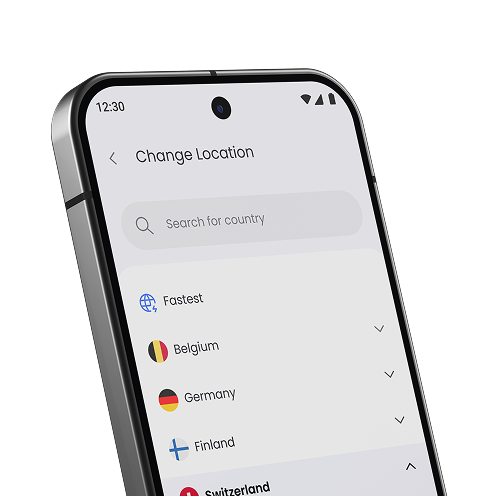
Identifies a server the app is allowed to rotate to.
Defines the trusted server endpoint for that rotation target.
Points to the VPN file the app downloads only after the signed list has been accepted.
Lets the app verify that the downloaded VPN file was not changed before rotation happens.
Rotation makes it harder to track you over long periods using a single VPN session identity.
Rotation does not make trust weaker. Every new server still has to pass verification.
The app refuses to rotate onto a server or file that does not match the trusted data.
Get Stellar VPN and use privacy that keeps moving without giving up verification.
Get Stellar VPN